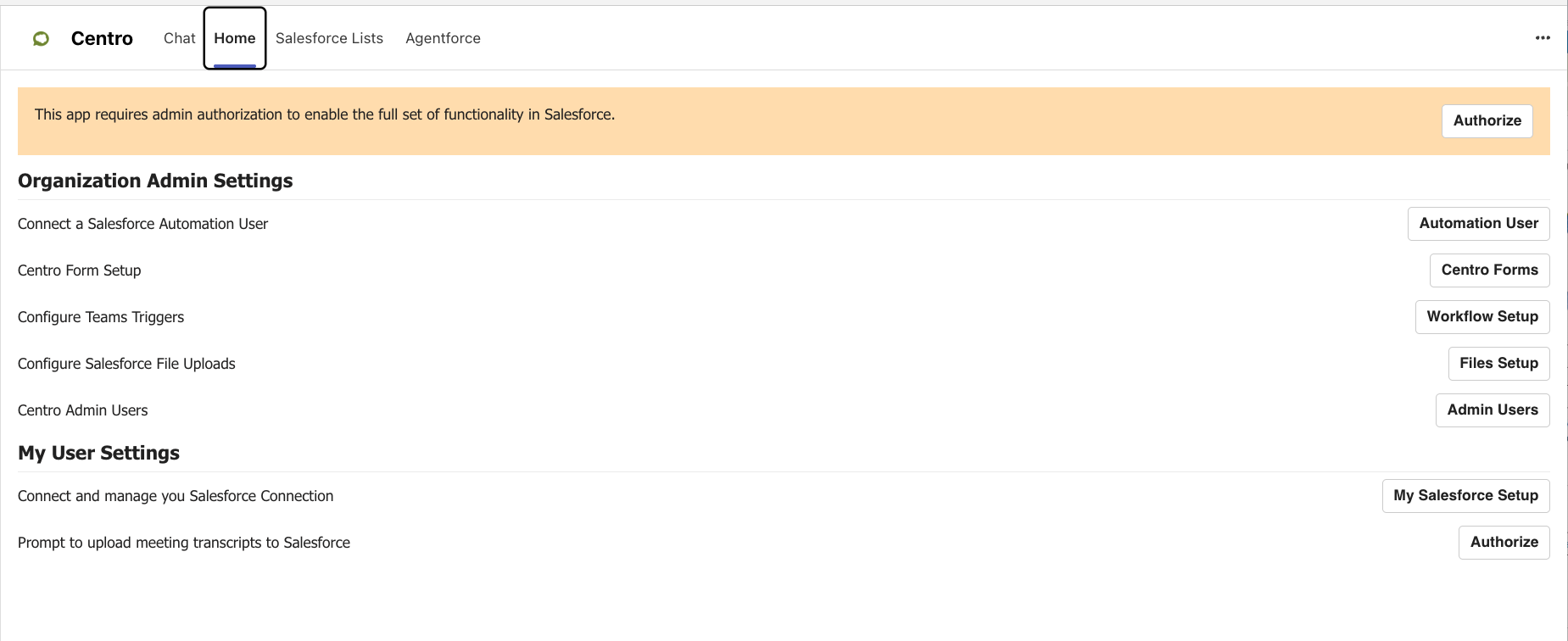
Getting Started with Agentforce for Microsoft Teams
Centro's Agentforce for Microsoft Teams integration offers a range of configurations and implementation options. For orientation, we'll begin with UI surface areas. Before you begin, the Centro team highly recommends an orientation call with our team.
Centro supports both "Employee" (or internal) Agents as well as "Service" (or external) Agents.
Please note: Centro does not ship pre-packaged Agents, only Agent Actions to add to new or existing Agents
Agentforce Agent Interactions within Microsoft Teams
-
Start a DM or Chat with a selected Agent from the Centro App
Add an @mentionable User and associate with an Agent to interact with any Chat or Channel
Coming soon: Initiate from a Centro Tab in a Chat or Channel
Agent Interactions within Salesforce
-
Agent Actions to interact with Microsoft Teams (Create Chats, Summarize Chats, etc)
User guide: Agent Actions
Setup guide: Microsoft Teams Agent Actions to Agents
To install and setup Agentforce for Teams, see the following guides:
Note: A Teams Admin will need to Authorize the Centro App. If this is not possible, please contact Centro to be provisioned a demo Teams tenant.