
Payment Setup
To set a payment method, click the Payment Options button in the App Home tab:

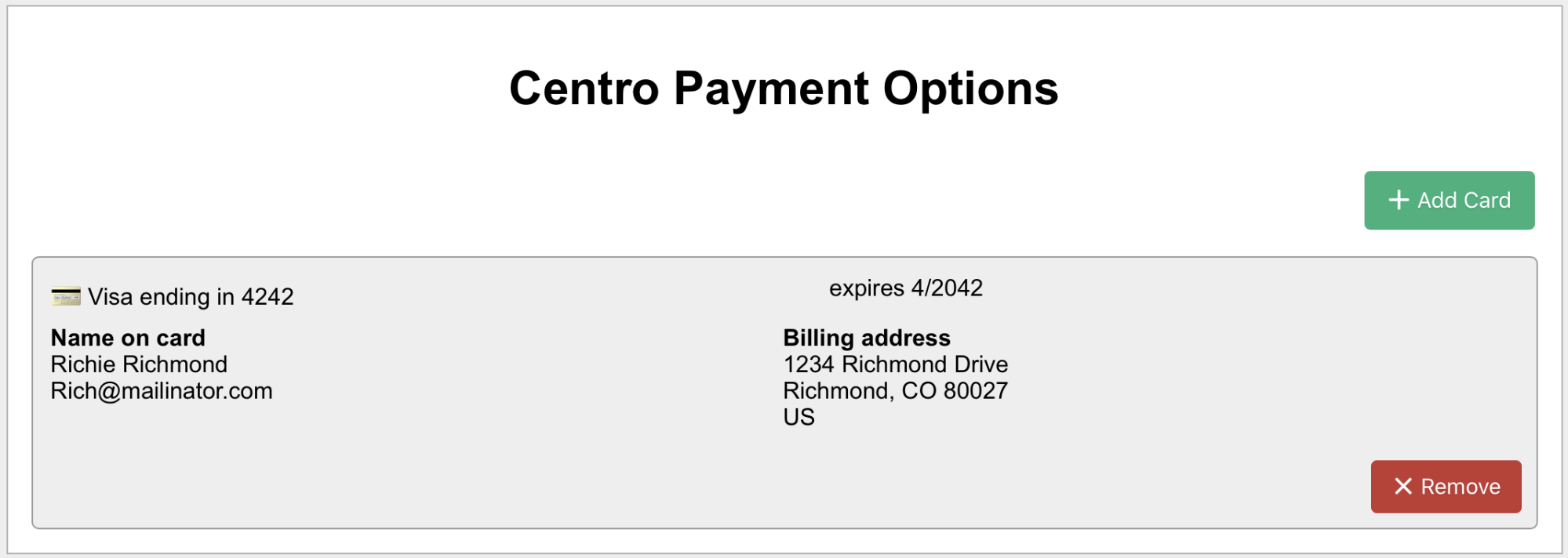
You'll navigate to the Payment Options page:

After clicking "Add Card":
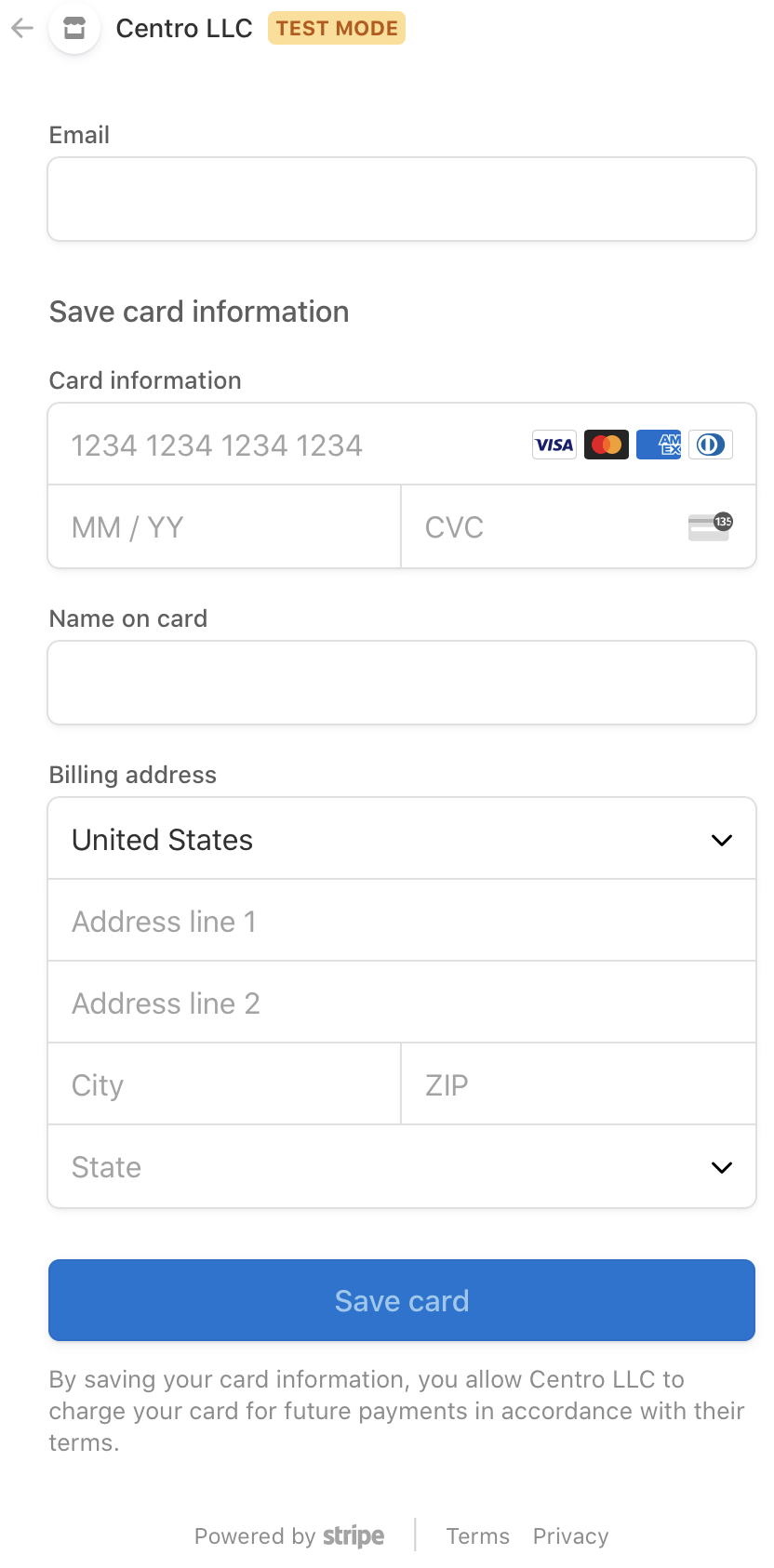
Enter a valid card number, and your billing information. Once you save, you’ll be brought back to Payment Options
See pricing for more information.