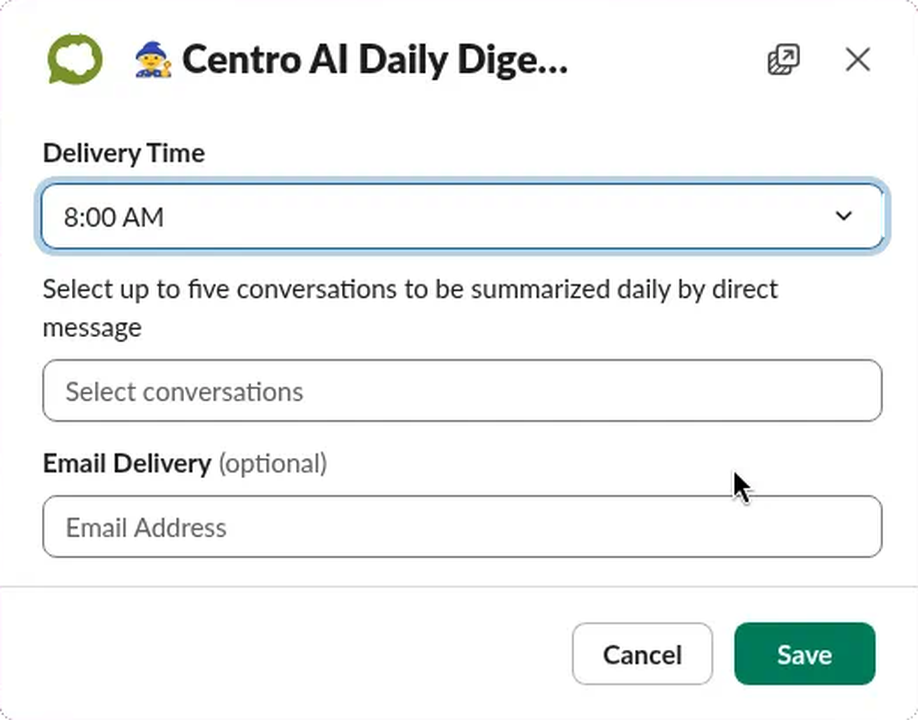
Centro AI Setup & Settings
Centro AI Setup
Centro AI Setup is located in the Centro App within Slack. Once you have navigated to the Centro App, select the Centro AI Setup.

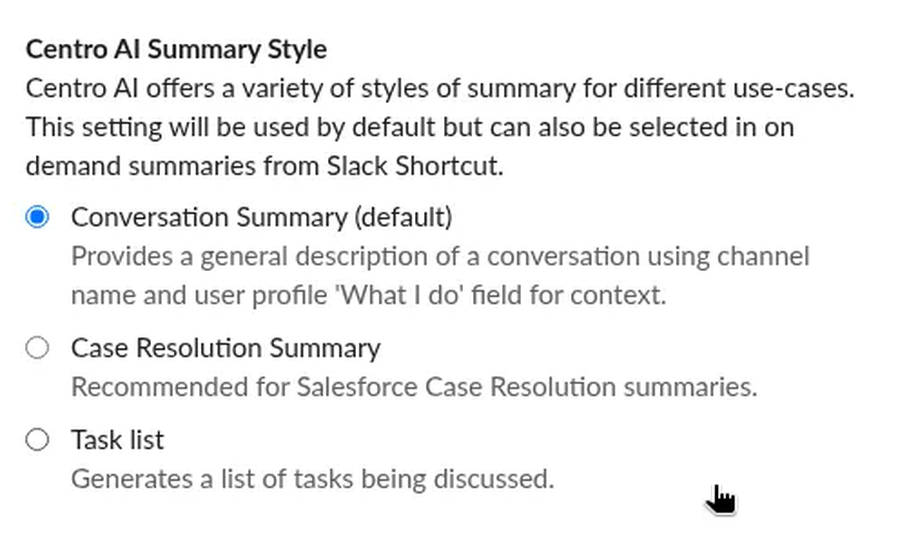
Centro AI Summary Style
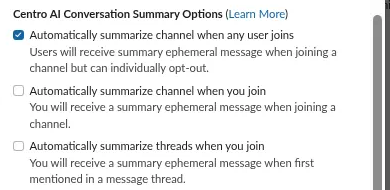
By default, Centro AI will send an on-demand summary of a Channel to the user who joined as an ephemeral message. The settings work as follows:
The first option is a global setting to allow Channel Summary for any user joining any channel. Unchecking will disable this feature for all users.
Centro AI Conversation Summary Options
The second option is an individual member setting to disable channel summary when joining a channel just for the user who unchecked it.